Crafter
Crafter is our VS Code extension. It is the capability editor and linter of the Naftiko Fleet — a spec-aware authoring environment that turns specifications such as Ikanos into a high-productivity editing experience, and back, without loss.
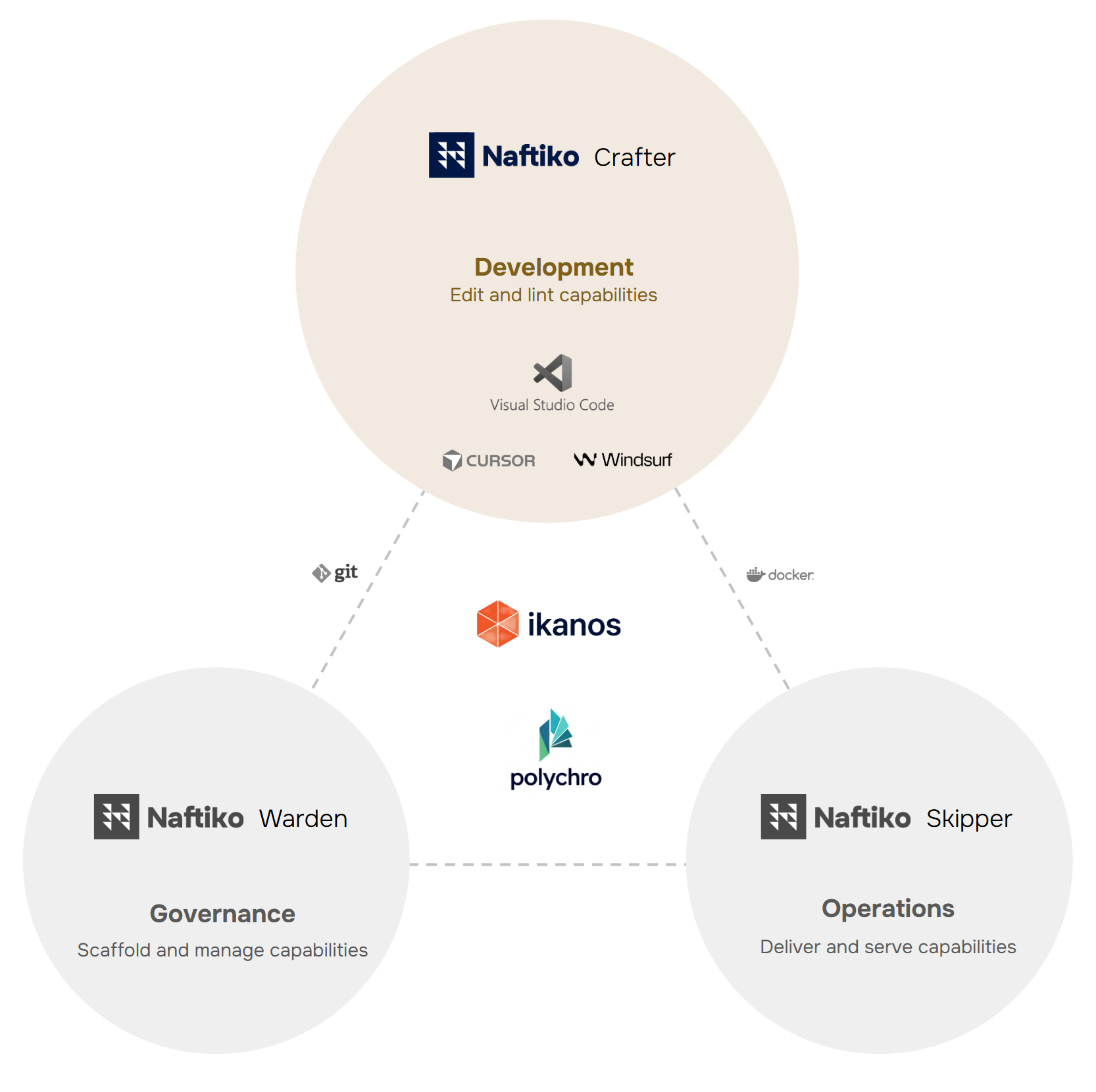
Why Crafter
A YAML capability is the truth. But authoring complex multi-step orchestration, multi-adapter exposes, and aggregate functions purely in YAML hits the same fatigue curve as authoring complex CloudFormation by hand. Crafter solves that with a bidirectional editor: you can edit visually, you can edit the YAML, the two stay in sync, and the YAML is always the source of truth.
Pillars
| Pillar | What it means |
|---|---|
| YAML round-trip | Comments, ordering, and formatting are preserved across visual edits |
| Schema-aware | Every field is validated against ikanos-schema.json as you type |
| Polychro-integrated | Diagnostics from the bundled rulesets surface inline on the canvas |
| OpenAPI import | Drop in any OpenAPI 3.0/3.1 document; Crafter generates the consumes block |
| Mock-first | Tools and operations can be stubbed in mock mode, runnable instantly with Ikanos |
| AI-assist | Optional LLM suggestions for output mappings, descriptions, and step orchestration |
Editions and licensing
Crafter is included in every edition of the Naftiko Fleet:
| Edition | What you get | License |
|---|---|---|
| Community | Local-first builder via CLI + VS Code extension | Naftiko Fleet Freeware EULA |
| Developer | Local builder plus one-click push to managed dev hosting for prototypes and demos — free for individual developers | Naftiko Commercial License |
| Team | Hosted web builder, capability catalog, OpenAPI import, mock catalog — per-seat for teams | Naftiko Commercial License |
| Enterprise | SSO/RBAC, approval workflows, change attestation, isolation between teams — per-instance licensing | Naftiko Commercial License |
See Fleet → License for the full picture.
IDE compatibility
To ensure maximum compatibility with IDEs, the Naftiko Crafter VS Code extension is based on the VS Code engine 1.95.0.
| IDEs | Naftiko Crafter Support |
|---|---|
| VS Code | ✅ |
| Cursor | ✅ |
| Windsurf | ✅ |
| Antigravity | ✅ |
| Kiro | ✅ |
| Trae | ✅ |
Installation
Crafter ships as the Naftiko Crafter extension on the VS Code Marketplace. Its versions are aligned with the Ikanos framework versions.
- Open the Extensions view (
Ctrl+Shift+X/Cmd+Shift+X). - Search for Naftiko Crafter.
- Click Install.
In any VS Code-compatible IDE, open the Extensions view and search for
Naftiko Crafter, or install the .vsix from the
releases page.
The extension activates automatically on YAML and JSON files. No CLI is required — validation runs entirely inside the editor.
Migrating from the Naftiko VS Code extension
Crafter is the new name of the former Naftiko VS Code extension. If you had the previous extension installed, settings keys keep their old names where possible. See the Fleet FAQ for details.